
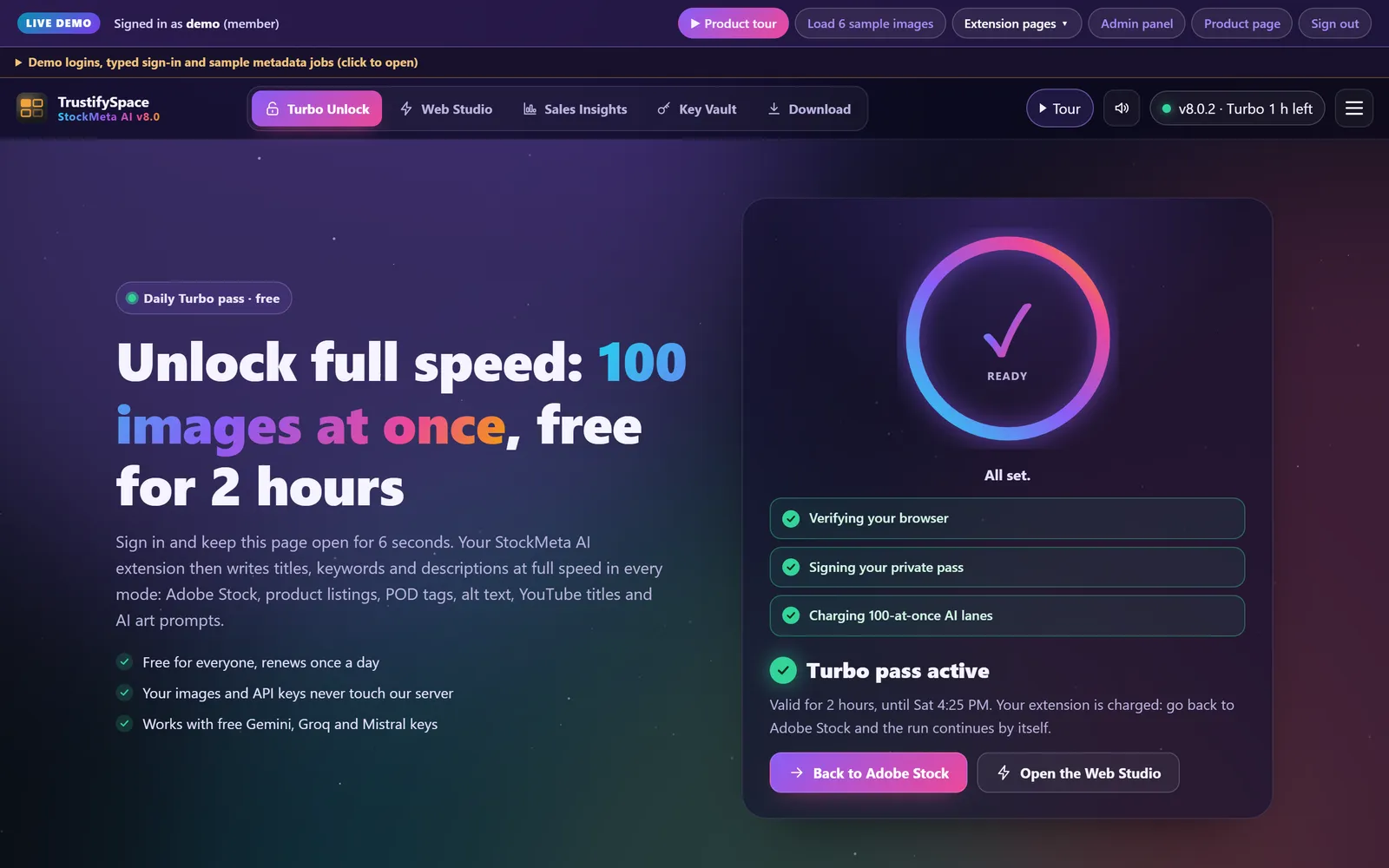
100 images at once
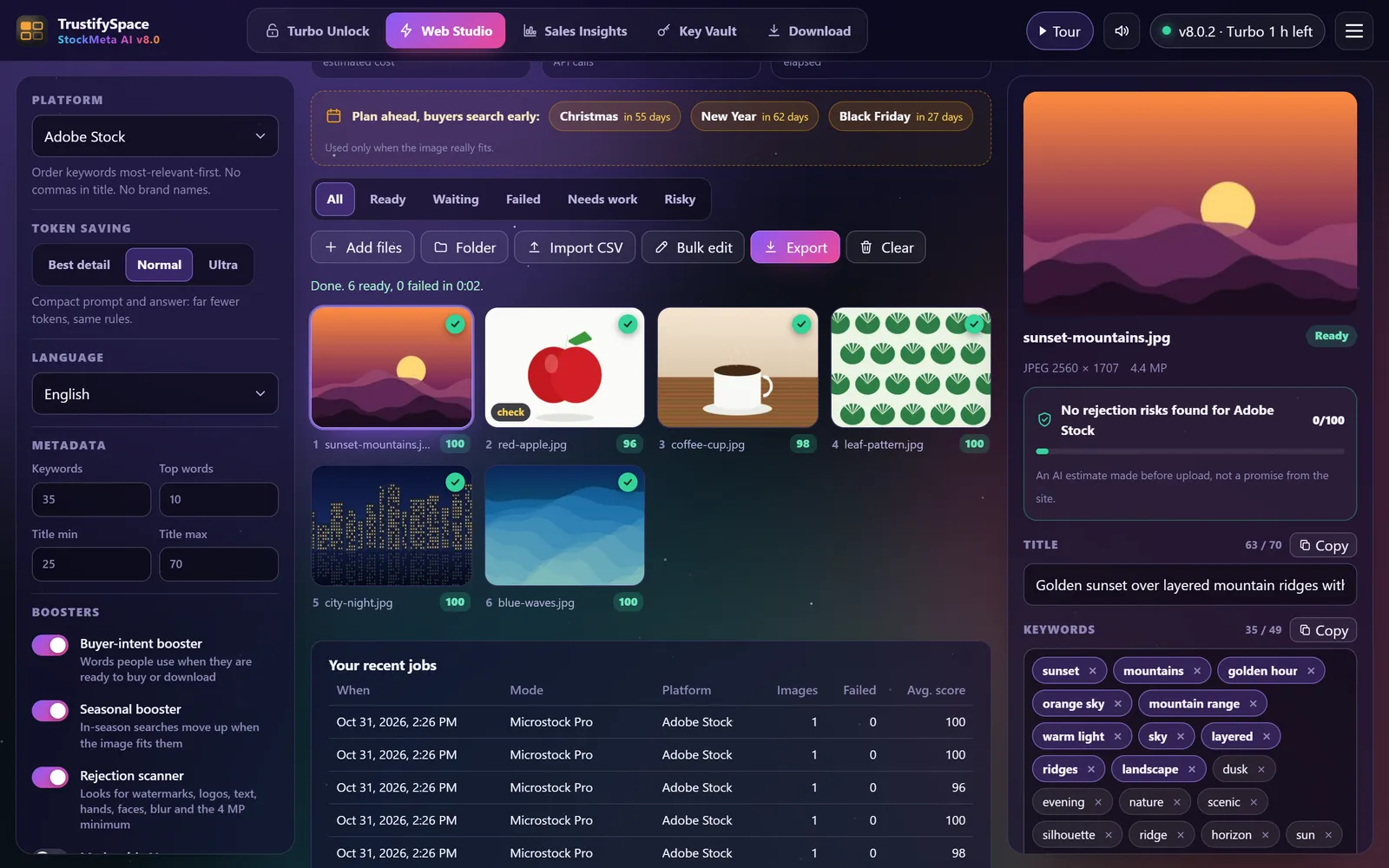
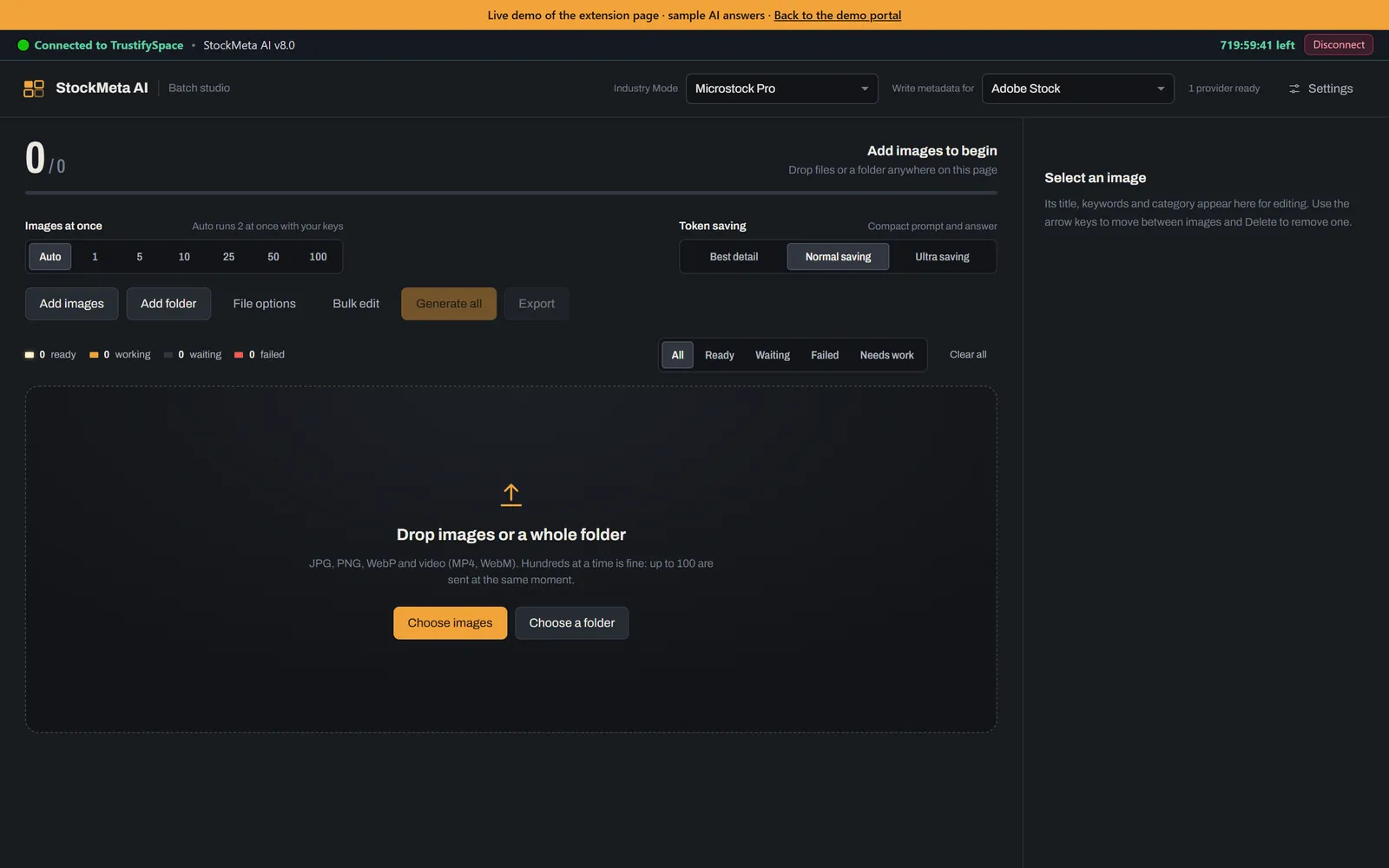
One lane per free key, smart pacing and automatic retries keep free quotas alive while a whole folder is processed.
 StockMeta AIv8.0.2
Chrome extension + WordPress portal & admin · v8.0.2
StockMeta AI writes titles, keywords, categories, descriptions, alt text and AI prompts for stock photos, product listings, websites and social media. It fills Adobe Stock for you, exports a CSV for every marketplace and writes the metadata into your files.
Pick an account and you are in. Nothing you do here is saved; the demo resets for the next visitor.
The extension's own screens, running in this tab with a simulated Chrome.
Features
One lane per free key, smart pacing and automatic retries keep free quotas alive while a whole folder is processed.
21 categories with synonyms, the 49-keyword limit, banned brand words and title length checked before you submit.
On the upload page the extension writes title, keywords and category for every file, then moves to the next one.
CSV for Adobe Stock, Shutterstock, Freepik, Dreamstime and more, plus TSV, JSON and TXT.
Title, description and keywords written as XMP and IPTC into JPEG and PNG, with SEO file names.
Watermarks, logos, malformed hands, blur and the 4 MP minimum are flagged before a reviewer sees them.
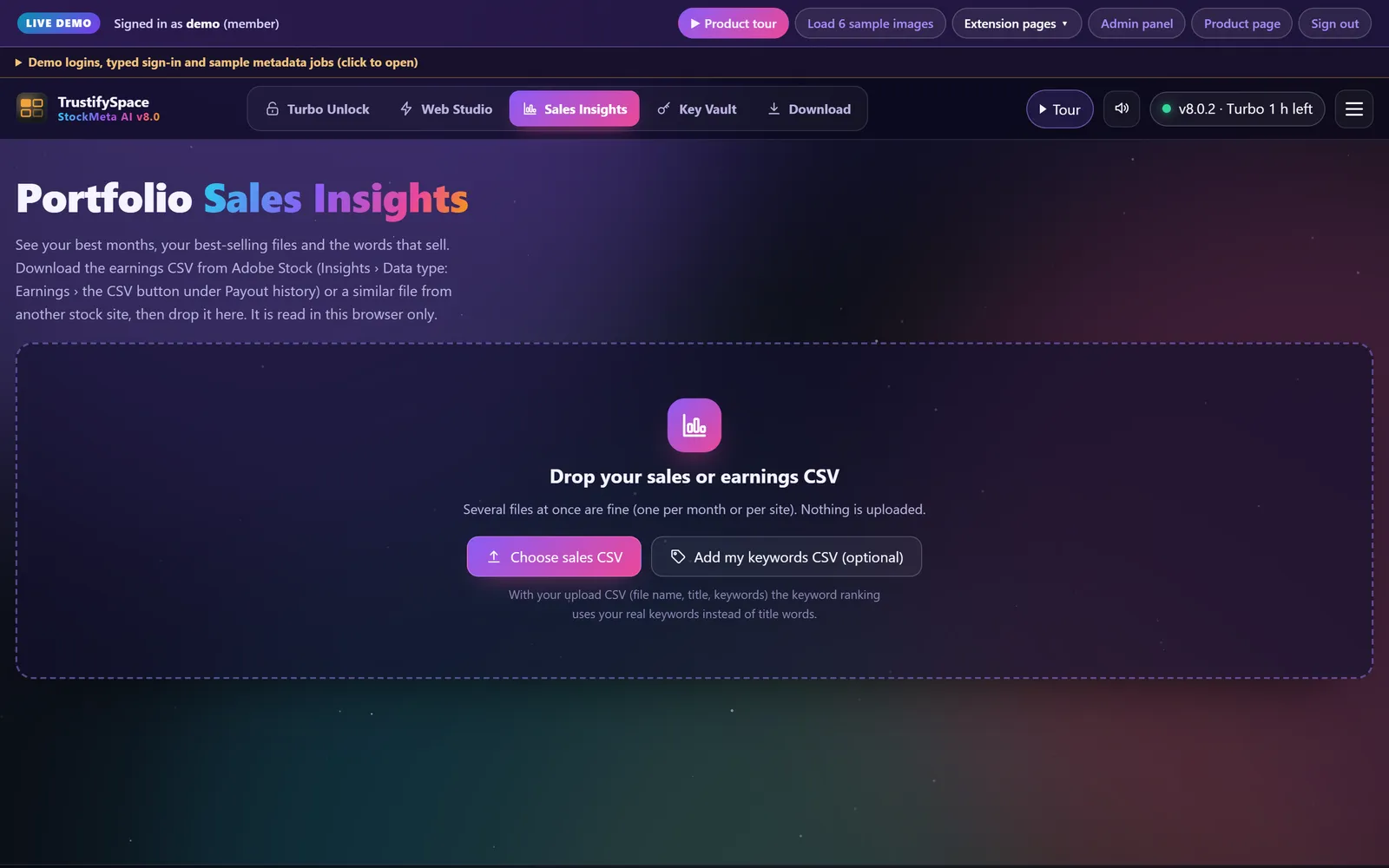
Drop your earnings CSV to find your best months, best files and the keywords that actually sell.
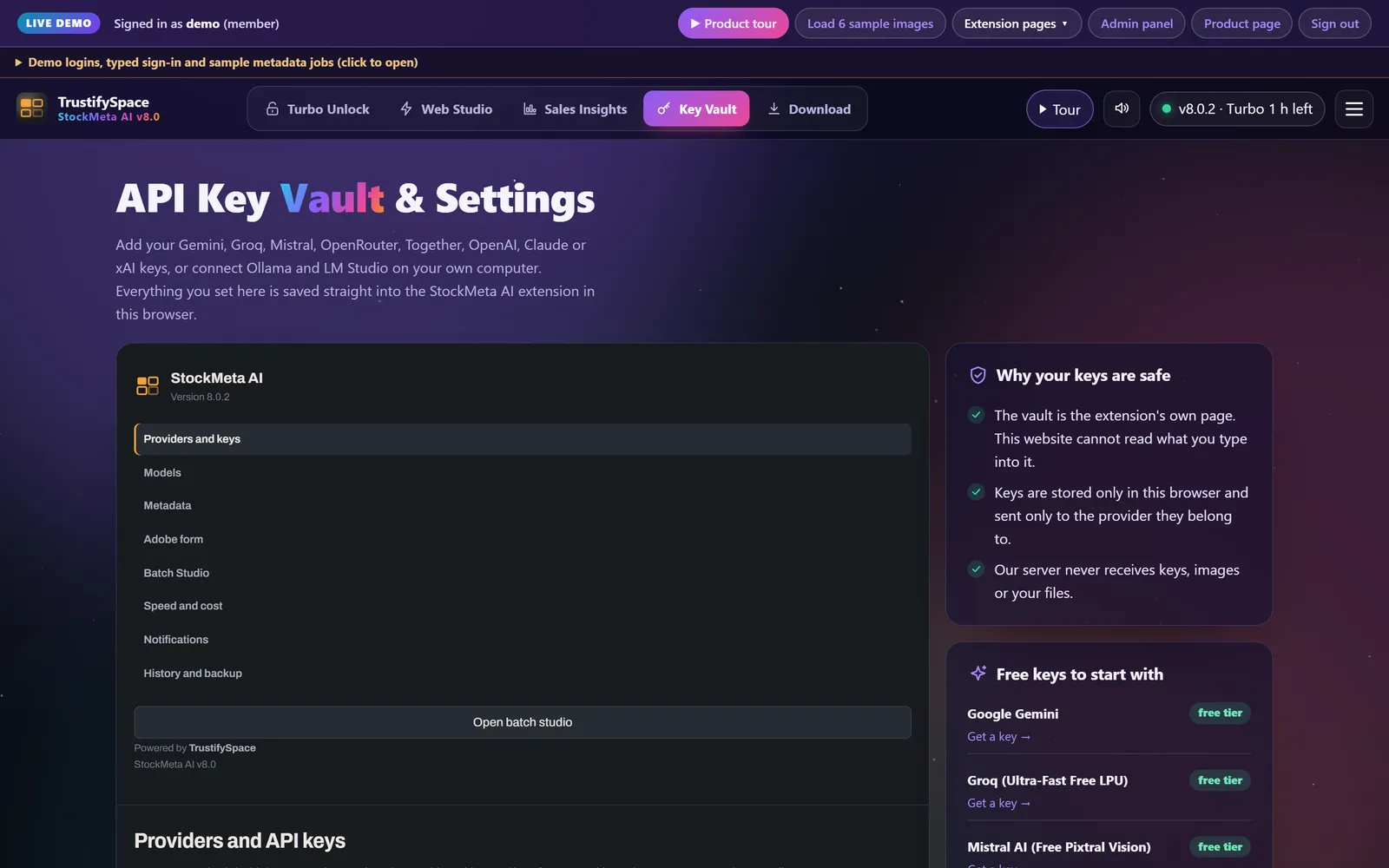
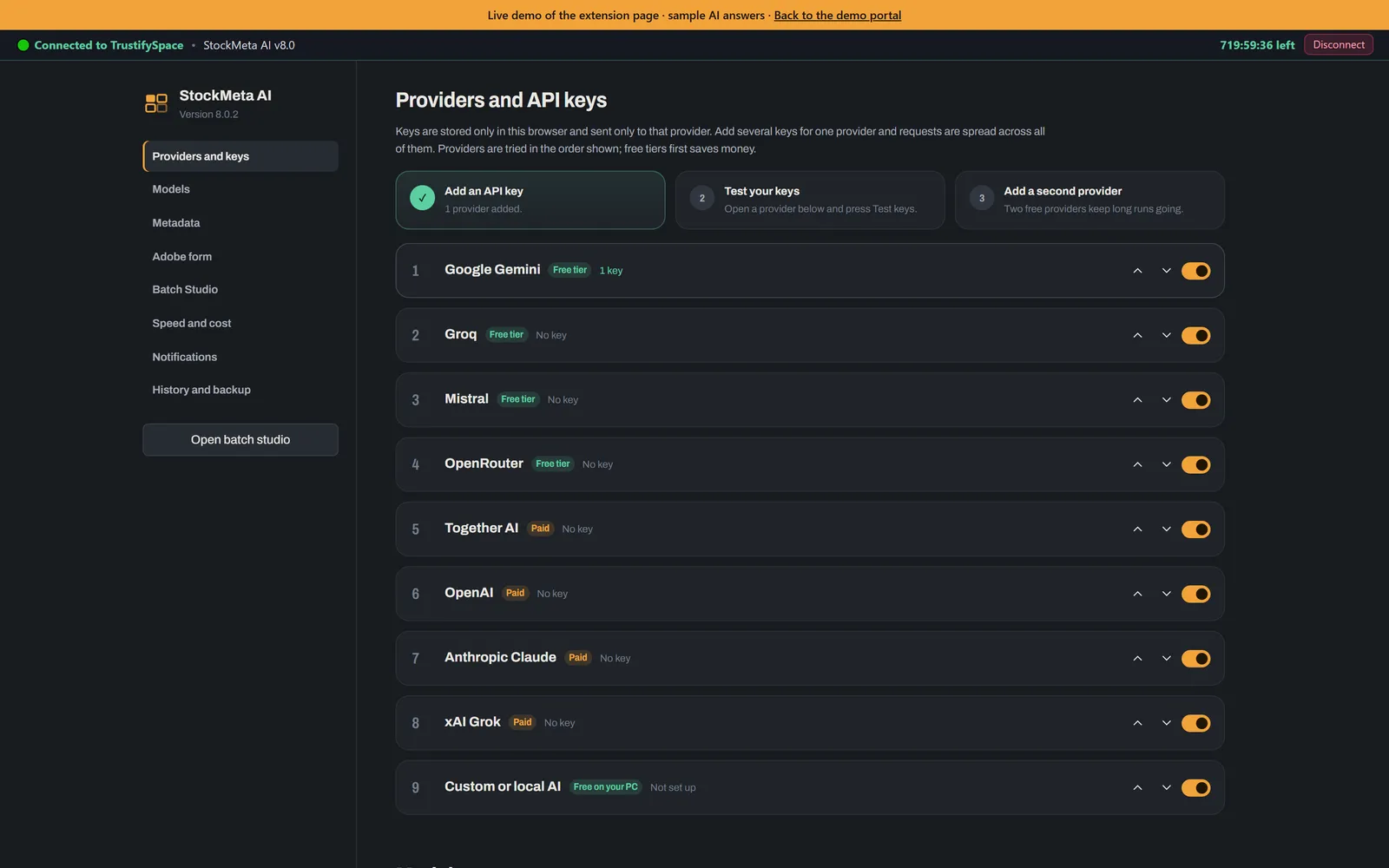
Images and API keys stay in your browser. Keys are encrypted and sent only to their own AI provider.
How it works
Paste a free Gemini, Groq or Mistral key in the Key Vault, or point it at Ollama on your computer.
Pick a mode and a platform, drop up to 100 images and press Generate all.
Edit anything you like, then export the CSV, save the files with metadata inside, or let it fill Adobe Stock.
Six industry modes
Adobe Stock, Shutterstock, Magnific (Freepik), iStock, Dreamstime, Vecteezy
Amazon, Shopify, WooCommerce, Daraz: title, 5 bullets, description, search terms
Etsy, Redbubble, Merch by Amazon, Spring: viral titles and 13 tags
Bulk alt text, captions, meta descriptions and SEO file names
Thumbnail CTR score, 5 viral titles, description, tags and hashtags
Midjourney, Flux and Stable Diffusion prompts from any image + 5 variations
Screens
For the site owner
What you get
Manifest V3, standalone or connected to your portal. Popup, Batch Studio, settings, Adobe Stock autopilot, right-click inspector.
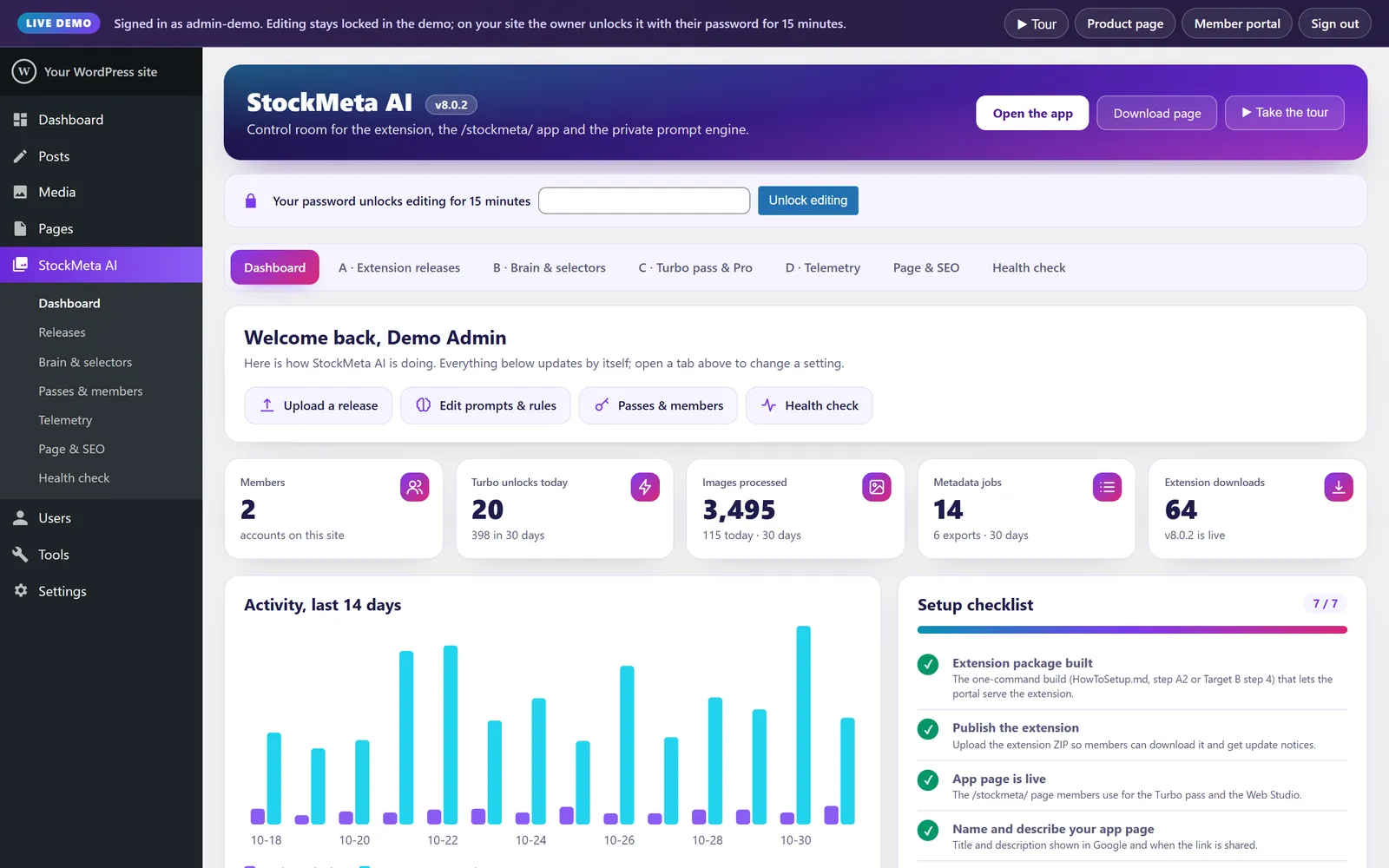
Member portal at /stockmeta/, REST API with signed passes, admin control room, three database tables with foreign keys.
Setup for Docker, VPS and cPanel, architecture and route docs, automated tests and a GitHub Actions workflow.
FAQ
Yes. The extension and every mode are free. You use your own AI key (Google Gemini, Groq and Mistral have free tiers, or run Ollama on your own computer), so there is no per-image fee. Once a day you visit this page for 6 seconds to unlock your Turbo pass (2 hours by default; the site owner sets the length).
Adobe Stock (fills and saves the upload form for you), Shutterstock, Magnific (formerly Freepik), Getty Images / iStock, Dreamstime and Vecteezy CSV files, Amazon, Shopify, WooCommerce and Daraz listings, Etsy, Redbubble and Merch by Amazon, website alt text and SEO file names, YouTube, Shorts, TikTok, Instagram and Facebook, plus Midjourney, Flux and Stable Diffusion prompts.
No. Images are resized in your browser and sent only to the AI provider you choose. API keys are stored inside the extension in your browser. Our server only builds the instructions and cleans the text answers.
Up to 100 at the same moment with paid keys, or one lane per free key so free quotas last. Ultra token saving sends up to 10 images in one request.
Before you submit, the AI looks for watermarks, logos, text, malformed hands or faces, AI artifacts, blur and exposure problems, and the file is checked against the 4-megapixel minimum. It is an estimate that helps you catch problems early, not a guarantee from Adobe.
Download the ZIP, unzip it, open chrome://extensions, switch on Developer mode, click Load unpacked and choose the unzipped folder. It works in Google Chrome and Microsoft Edge.
Two minutes with the product tour, or sign in and try every screen.